
STELLARRISETECH / INDUSTRY NEWS
蓝牙防丢器固件更新:不仅验证传输,还要验证恢复
ENGLISH ARTICLE
Bluetooth Tracker Firmware Updates: Verify Recovery, Not Just Transfer
A completed firmware transfer is not the same as a successful product update. Define the delivery route, image checks, recovery behaviour and post-update finding tests before committing to an OEM tracker specification.
1. Define who delivers the update
Before specifying over-the-air updates for a Bluetooth tracker, identify the supported hardware revision, firmware, phone software and delivery route. Ask who distributes the release, how the owner learns its status and how the running version can be checked. Support for a finding ecosystem alone is not evidence of a particular firmware-update workflow.
Apple documents a specific example for its own AirTag: firmware updates are delivered periodically while the item is in Bluetooth range of an iPhone. Its support page also explains how to view the firmware version by selecting the item in Find My and tapping its name. These are AirTag instructions, not a universal update procedure for third-party Find My accessories or Google Find Hub trackers. [1]
For an OEM project, document the actual product's update route rather than copying another product's support text. If an owner-facing update option is not supported, state that limitation and define the applicable service process. Do not promise an immediate update simply because the tracker is nearby.
2. Separate delivery, validation and activation
Nordic Semiconductor's developer documentation offers an implementation example, not a requirement for every tracker. It explains that adding the MCUboot bootloader alone does not add device firmware update functionality. In the documented setup, update images must be correctly formatted and signed, while separate components provide transfer and storage functions. [2]
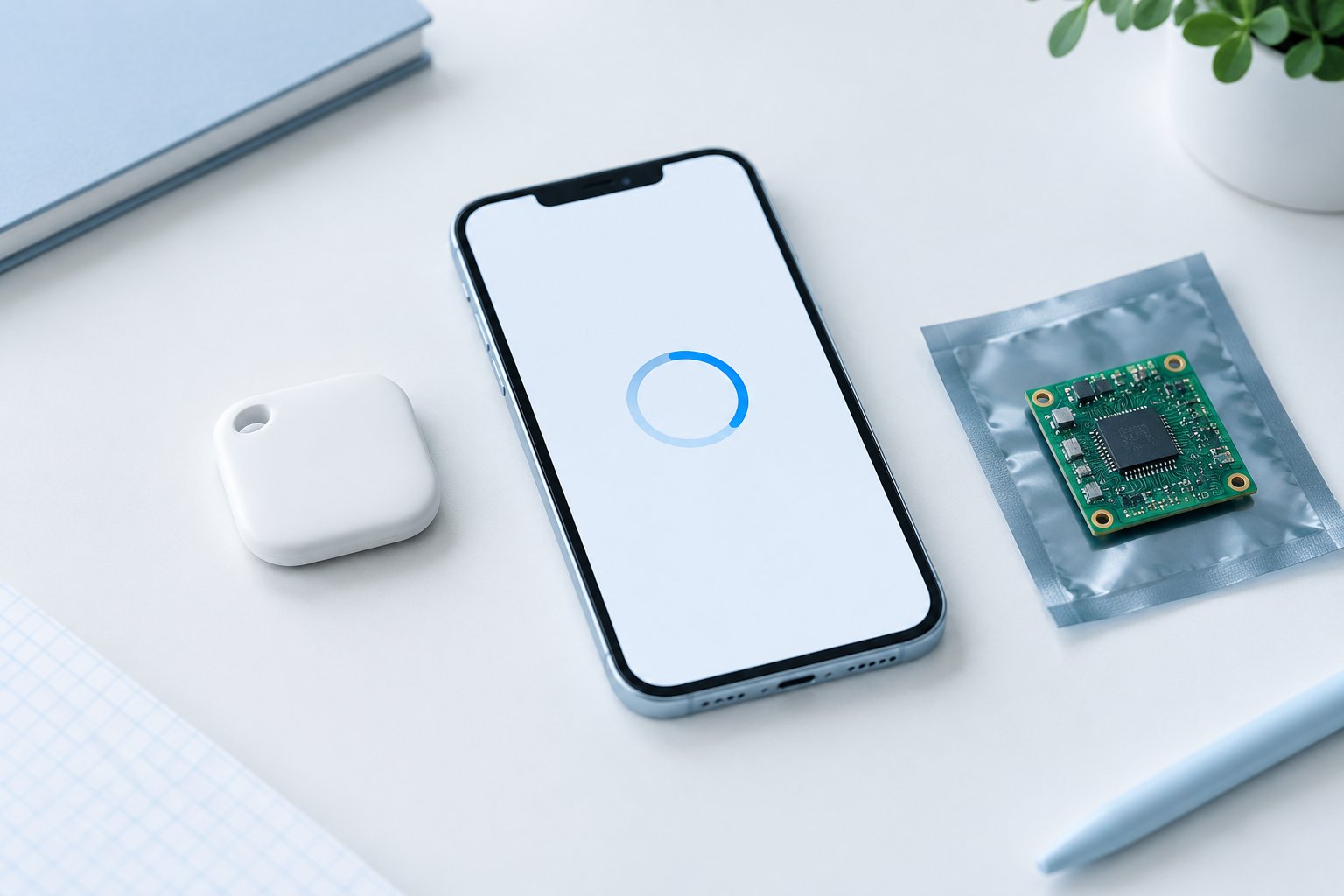
The product implication is straightforward: a progress bar reaching its end proves neither that the intended image is running nor that the accessory remains usable. Define separate evidence for receiving the image, accepting it under the configured validation rules, rebooting into the intended version and completing the required functional checks.
Agree on release identifiers, supported hardware and production signing responsibilities. An SDK feature does not establish that a particular tracker has enabled it correctly, passed security testing or obtained platform certification. Verify the selected implementation and avoid turning reference-design capabilities into unsupported product claims.
3. Make recovery behaviour an explicit design choice
In the two-slot MCUboot example documented by Nordic, an image marked for test is swapped into the active slot for one reset cycle. Unless the running image is then confirmed, the old application is swapped back on the next reset. An image marked as confirmed is instead swapped in permanently. This behaviour depends on the chosen update mode and configuration; it is not a promise that every Bluetooth tracker can roll back. [2]
For a design using such a test-and-confirm mechanism, decide which product health checks must pass before confirmation. A valid signature is not a substitute for checking that the application performs its intended job. Document the recovery route if those checks fail, and distinguish recovery to an approved working image from permission to install an arbitrary older release.
4. Validate interrupted updates and the finding experience
The following is a suggested internal engineering plan, not a platform certification checklist. Use controlled samples and test accounts. Record the hardware revision, old and target firmware, bootloader configuration, phone and app versions, power condition and release identifier. Establish the supported power conditions before testing; do not invent a universal battery-percentage threshold.
Test a normal update and planned interruption scenarios appropriate to the implementation, such as loss of the phone connection during transfer or a controlled restart before confirmation. Apply power-interruption tests only under an approved laboratory procedure. Record whether the device resumes, restarts the transfer, recovers an approved image or requires service; do not assume any one outcome is guaranteed.
After each supported update or recovery path, verify the reported running version and the product's agreed behaviours: account association, local connection, ringing, relevant settings and applicable finding functions. Keep local interaction and network-assisted finding as separate checks. Preserve failed trials and time measurements with their test conditions rather than reporting only the fastest successful update.
5. Include lifecycle support in the OEM handoff
Stellarrisetech's website presents ready-to-brand OEM trackers, custom ODM development and embedded tracking solutions, including firmware and testing within its public engineering scope. This provides a basis for discussing update planning, not evidence that every available model supports the same OTA or recovery features. [3]
Include update ownership, supported release combinations, recovery instructions and maintenance responsibilities in the project brief. Align factory release records, user guidance and support replies. The useful promise is a documented, validated lifecycle process for the selected product—not simply an OTA label on the specification sheet.
Define the update and recovery journey before launch.
Share your target ecosystem, product format, expected quantity, customization scope and update or service requirements to discuss an OEM, ODM or embedded tracker project.
中文文章
蓝牙防丢器固件更新:不仅验证传输,还要验证恢复
固件传输完成不等于产品更新成功。制定 OEM 防丢器规格前,应明确更新交付路径、固件校验、恢复行为,以及更新后的查找功能测试。
1. 明确由谁交付更新
为蓝牙防丢器制定空中更新需求前,应明确受支持的硬件版本、固件、手机软件与交付路径。确认由谁分发版本、所有者如何了解更新状态,以及如何查询当前运行版本。支持某个查找生态,本身并不能证明设备具备某一种固件更新流程。
Apple 为自家的 AirTag 提供了具体示例:当物品处于 iPhone 的蓝牙通信范围内时,固件会定期更新。其支持页面还说明,可在 Find My 中选择物品并轻点名称来查看固件版本。这些是 AirTag 的操作说明,不是第三方 Find My 配件或 Google Find Hub 防丢器通用的更新流程。[1]
对于 OEM 项目,应记录实际产品的更新路径,而不是照搬其他产品的客服文案。如果不支持面向所有者的更新选项,应说明这一限制,并定义适用的售后处理流程。不要仅因防丢器就在附近,便承诺更新会立即完成。
2. 区分交付、校验与启用
Nordic Semiconductor 的开发者资料提供了一种实现示例,并非所有防丢器的统一要求。资料说明,仅加入 MCUboot 引导加载程序,并不会自动增加设备固件更新功能。在其说明的配置中,更新固件必须采用正确格式并完成签名,传输与存储功能则由相应的其他组件提供。[2]
对产品而言,进度条走完,既不能证明目标固件已经运行,也不能证明配件仍然可用。应分别为接收固件、按配置的校验规则接受固件、重启并运行目标版本,以及完成所需功能检查定义证据。
应约定发布版本标识、受支持的硬件,以及量产签名的责任分工。SDK 提供某项功能,不代表具体防丢器已经正确启用该功能、通过安全测试或获得平台认证。需要验证所选实现,避免把参考方案的能力直接变成缺乏证据的产品承诺。
3. 把恢复行为作为明确的设计选择
在 Nordic 说明的双槽 MCUboot 示例中,标记为测试的固件会交换到活动槽,供一次复位周期使用。如果运行中的固件随后没有被确认,系统会在下一次复位时把原应用交换回来。标记为已确认的固件则会被永久交换到活动槽。这种行为取决于所选更新模式与配置,并不表示每款蓝牙防丢器都能回退。[2]
对于采用此类测试后确认机制的设计,应明确确认前必须通过哪些产品健康检查。签名有效不能替代对应用实际功能的检查。需要记录这些检查失败时的恢复路径,并区分恢复到获准的可用固件,与允许安装任意旧版本这两件事。
4. 验证更新中断与更新后的查找体验
以下为建议的内部工程计划,不是平台认证清单。应使用受控样品与测试账号。记录硬件版本、原固件与目标固件、引导程序配置、手机与应用版本、电源状态及发布版本标识。在测试前明确支持的供电条件,不要自行设定适用于所有产品的统一电量百分比门槛。
测试正常更新,以及适合具体实现的计划性中断场景,例如传输过程中手机连接断开,或确认前进行受控重启。断电测试只能按获准的实验室规程执行。记录设备是继续传输、重新传输、恢复获准固件,还是需要售后处理;不要假定任何一种结果必然发生。
每条受支持的更新或恢复路径完成后,都应核对设备报告的运行版本,以及约定的产品行为:账号关联、本地连接、响铃、相关设置和适用的查找功能。应将本地交互与网络辅助查找分开检查。保留失败试验及其测试条件和耗时记录,而不是只展示最快的一次成功更新。
5. 在 OEM 交接中纳入全生命周期支持
Stellarrisetech 官网介绍了可定牌的 OEM 防丢器、ODM 定制开发及嵌入式追踪方案,并将固件与测试列入其公开的工程服务范围。这为讨论更新规划提供了基础,但不能证明所有在售型号都支持相同的 OTA 或恢复功能。[3]
应将更新责任、受支持的版本组合、恢复指引及维护责任写入项目需求,并使工厂版本放行记录、用户说明与客服答复保持一致。有价值的承诺,是针对所选产品建立有记录、经验证的生命周期流程,而不仅是在规格表上写一个 OTA 标签。
Public sources / 公开资料
- Apple — What’s new in firmware updates for AirTag
- Nordic Semiconductor — MCUboot, and relevant libraries
- Stellarrisetech — OEM, ODM and embedded tracking overview
Public documentation checked on 09 October 2026. Independently written guidance; internal test suggestions are not platform certification requirements. No model-specific performance or certification is claimed.
公开资料核对日期:2026 年 10 月 9 日。本文独立撰写;内部测试建议并非平台认证要求,未宣称任何具体型号的性能或认证状态。