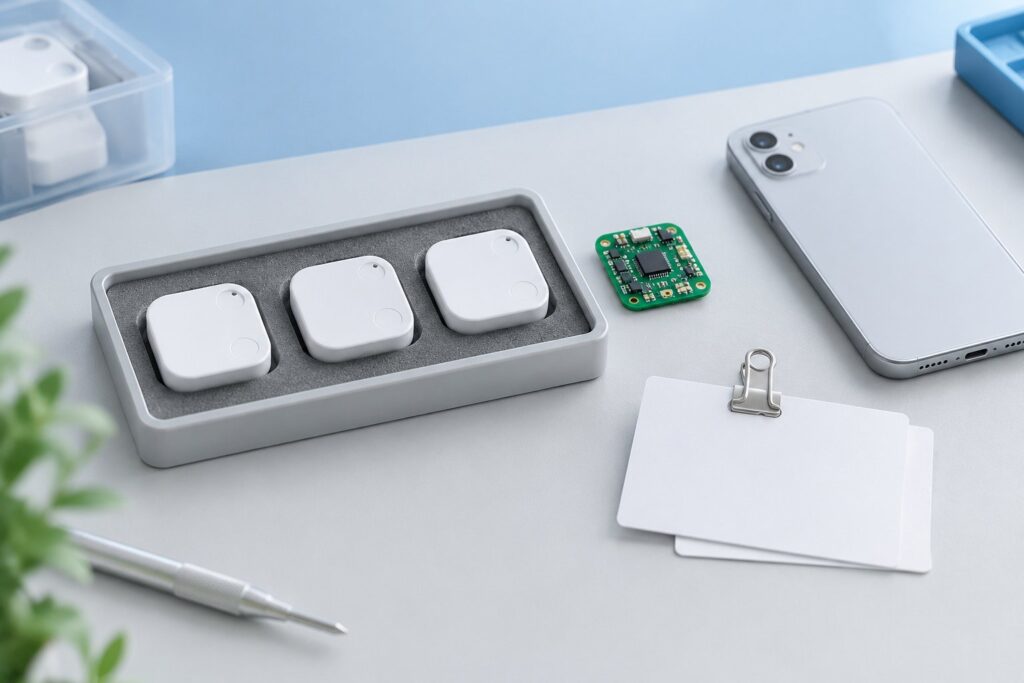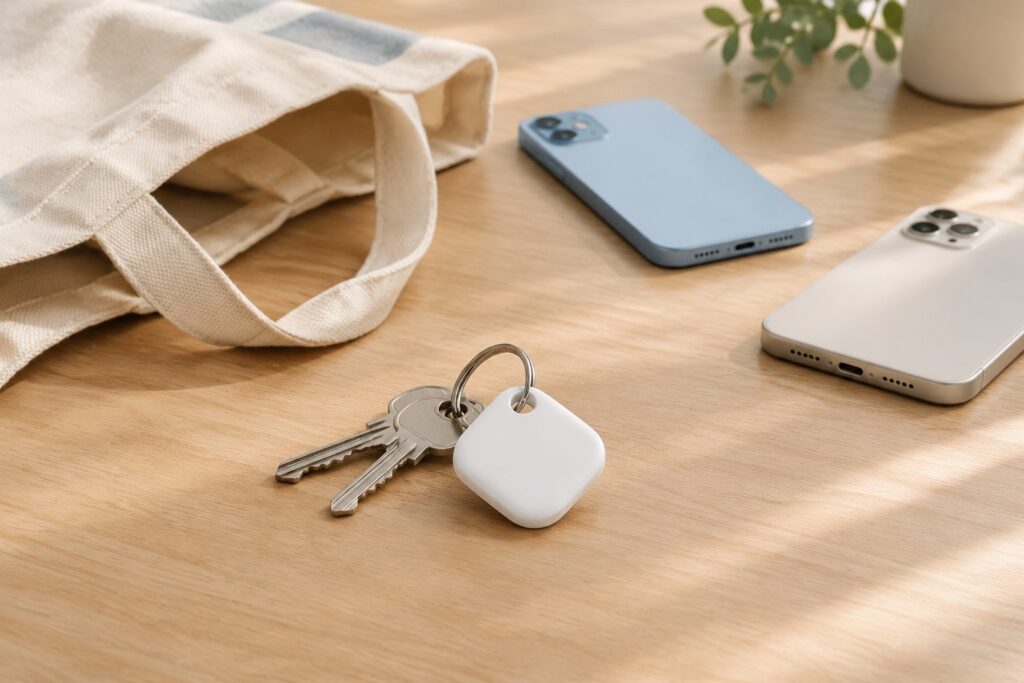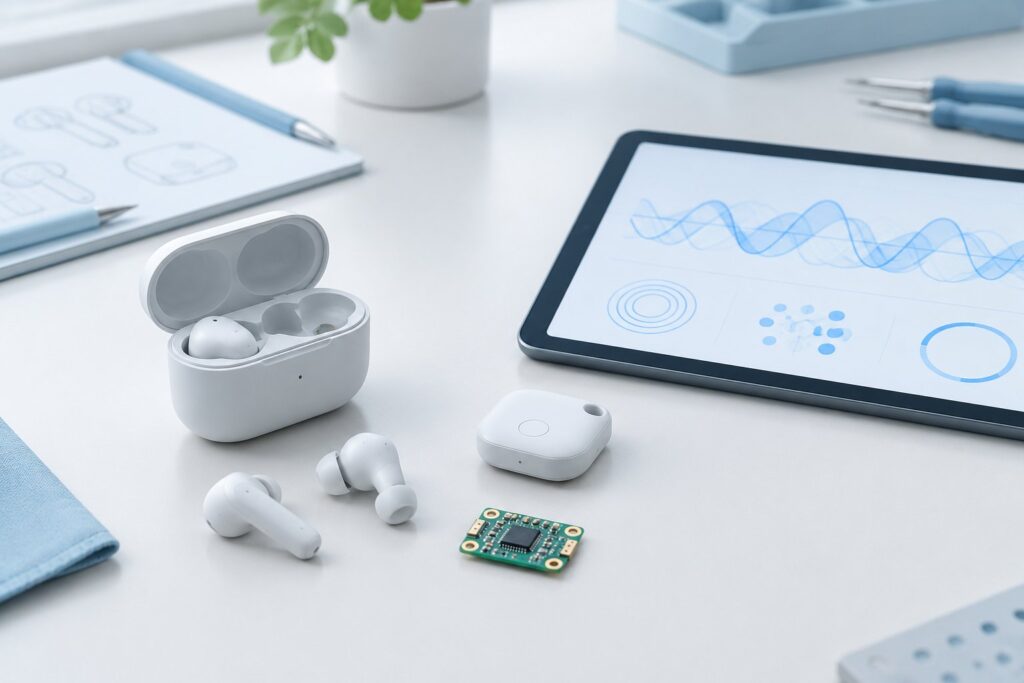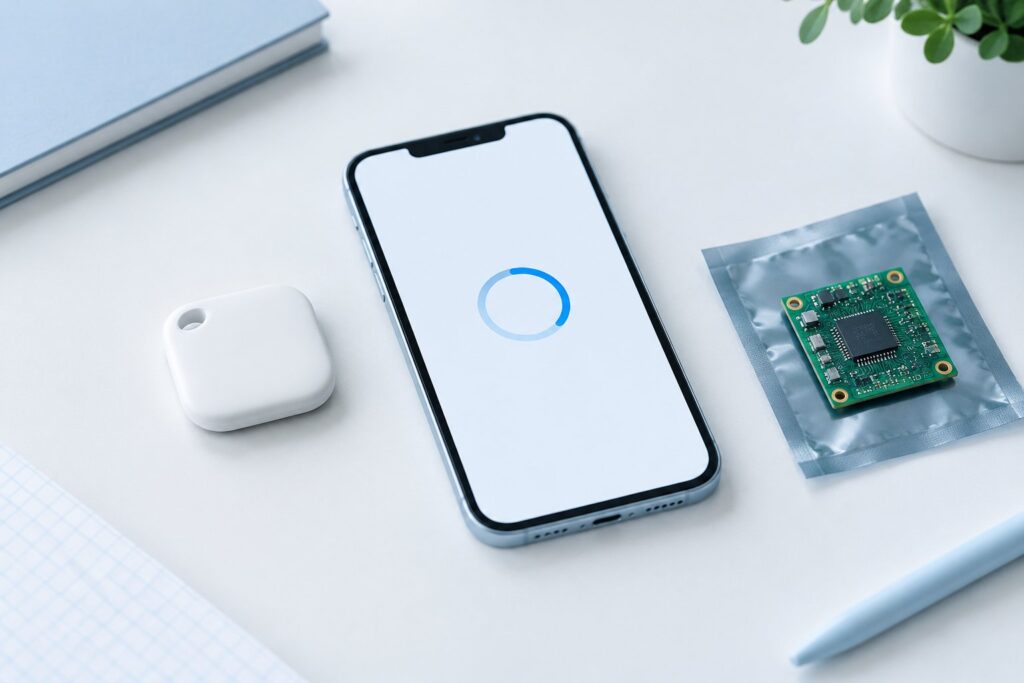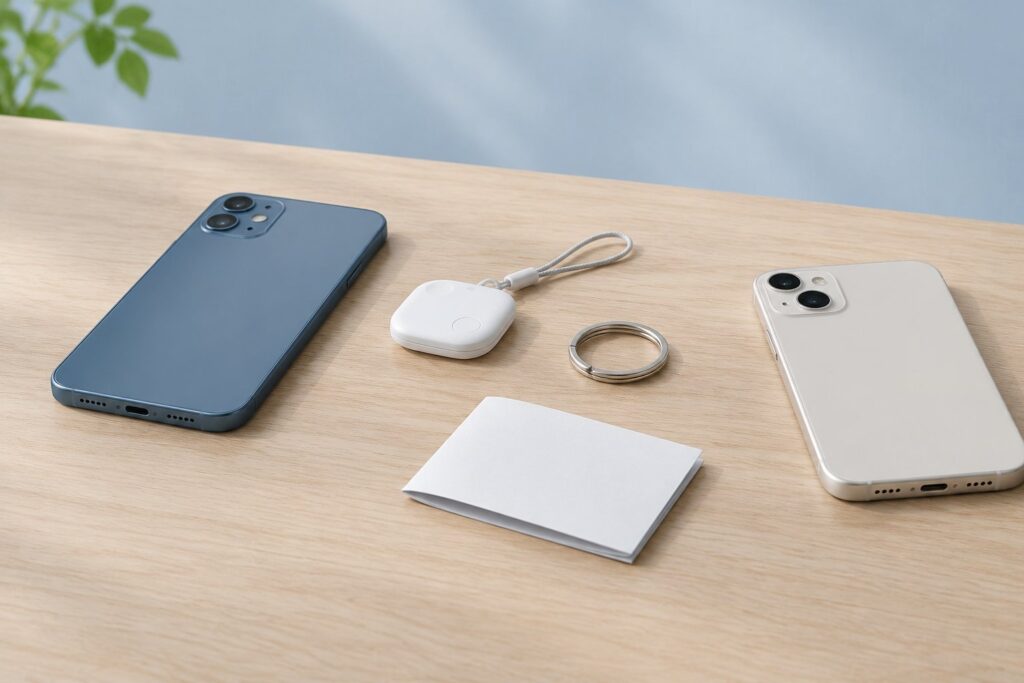
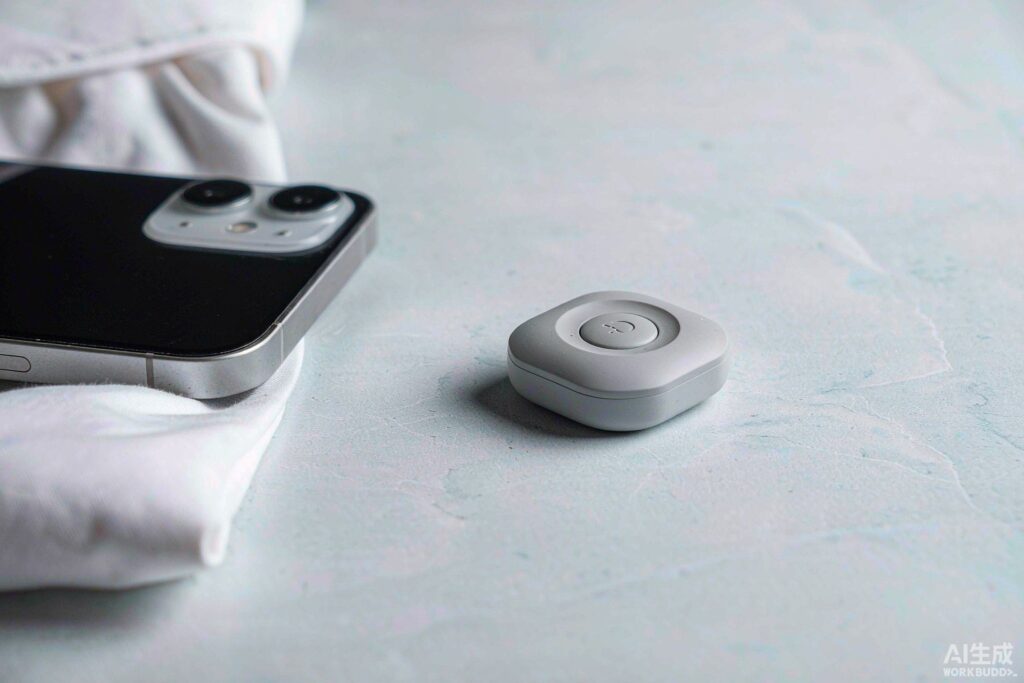
StarTag Clear Square & StarTag Clear Dot
StarTag Clear Square & StarTag Clear Dot Read More »
StarTag Clear Square & StarTag Clear Dot
StarTag Clear Square & StarTag Clear Dot Read More »
See how Stellarrisetech builds a cold press card with controlled lamination, full testing, and scalable production that supports OEM and ODM launches.
Cold Press Card Manufacturing Process | How Stellarrisetech Builds a Find My Card Read More »
Bluetooth tracker vs GPS tracker: learn how Apple Find My and Google Find Hub compare with GPS and why Bluetooth fits new consumer products better.
While UWB in Bluetooth trackers offers precision finding, many third-party brands skip it. Discover why BLE remains the top choice for cost and compatibility.
UWB in Bluetooth Trackers: Why Many Third-Party Item Finders Skip It Read More »
How to put the device into pairing mode: Press the button. You will hear a melody. How to disable the device’s Finder function: Press and hold the button for five seconds. You will hear three confirmation beeps. How to stop the device from ringing: Press the button once. You will hear one beep for confirmation.
Stellarrisetech E-Ink StarTag Products Read More »
How to put the device into pairing mode: Turn the front cover of StarTag X1 open, Press the button on the corner of the StarTag X1 once. You will hear a confirmation melody when succeed. Finally, close the cover to secure it. How to disable the device’s Finder function: Turn the front cover of StarTag
Stellarrisetech StarTag X1 Overview Read More »
Meet startag x3. Designed for peace of mind, startag seamlessly integrates with the Android ecosystem you already use. Its minimalist design fits anywhere—from keychains to backpacks—while the user-replaceable battery lasts up to a year. Just pair it with your device and never lose what matters most. Specs: Battery: CR2032 (Replaceable). Water Resistance: IP67 Splash Proof.
Stellarrisetech StarTag X3 Overview Read More »
Startag Locator: Your Essentials, Always Found The Startag Locator is a robust Bluetooth tracker engineered seamlessly for the Android ecosystem. Crafted from high-durability injection-molded plastic in a sleek matte black finish, it combines industrial strength with everyday utility. Key Highlights: Works with Google Find My Device: Leverage a network of over a billion Android devices
Startag Locator Guide Read More »
How to put the device into pairing mode: Locate the button on the card. Press the button once. A confirmation melody will sound. How to disable the device’s Finder function: Locate the button on the card. Press and hold the button for five seconds. Three confirmation beeps will sound. How to re-enable the Finder function:
Stellarrisetech StarCard Tracker Read More »
How to put the device into pairing mode: Locate the button on the card. Press the button once. A confirmation melody will sound. How to disable the device’s Finder function: Locate the button on the card. Press and hold the button for five seconds. Three confirmation beeps will sound. How to re-enable the Finder function:
How to Put StarCard into Pairing Mode Read More »