
STELLARRISETECH / INDUSTRY NEWS
共享蓝牙防丢器:验证邀请、访问权限与撤销
ENGLISH ARTICLE
Shared Bluetooth Trackers: Validate Invitations, Access and Revocation
A shared set of keys needs more than a pairing guide. Separate everyday item sharing from ownership transfer and lost-item links, then validate invitations, account prerequisites and access revocation for the intended ecosystem.
1. Define which kind of sharing the product supports
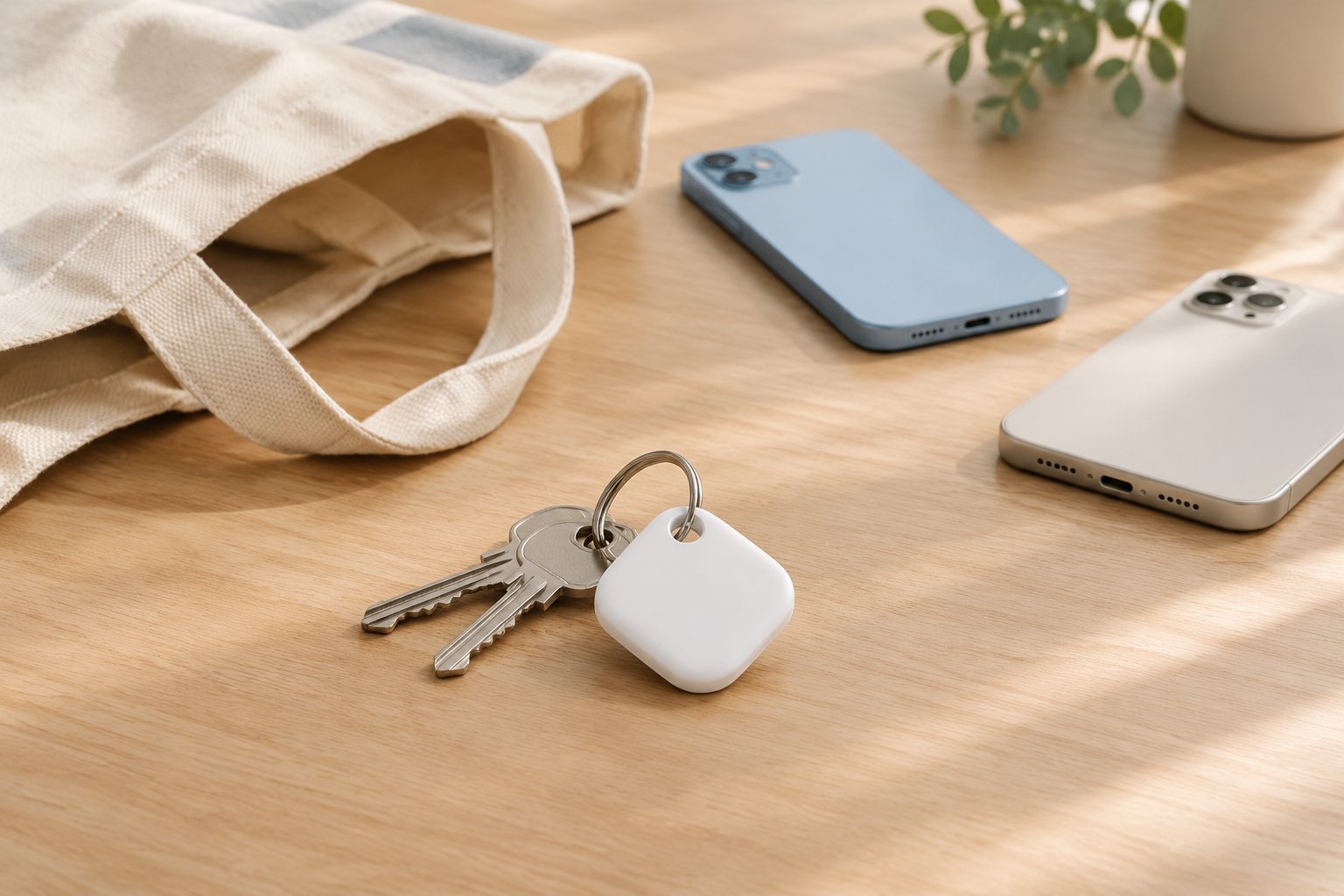
A household may lend the same keys or travel bag to different people without giving up ownership of the tracker. Everyday item sharing should therefore be described as access granted to another account, not as a factory reset or a permanent handover. The product brief should identify who owns the item, who may locate it and how that permission ends.
Keep this workflow separate from a temporary web link used to help recover a lost item. Google documents regular accessory sharing and lost-item location links as different features. A shared accessory does not establish cross-ecosystem operation, and neither feature should be advertised as a guarantee of continuous location updates. This article focuses on everyday sharing with consenting participants. [2]
2. Apple Find My: account eligibility comes before the invitation
Apple's iPhone guide says an item can be shared with up to five other borrowers, for six users including the owner. It also explicitly covers third-party items that work with Find My. These are platform-level instructions, not proof that a particular tracker model has been validated. [1]
The guide requires two-factor authentication for the owner's Apple Account; recipients must have and be signed in to an Apple Account and use iCloud. Sharing with a child account is not supported. The owner and borrowers must have iCloud Keychain enabled and use iOS 17, iPadOS 17, macOS 14 or later, as applicable to their devices. Put these prerequisites in the support checklist rather than diagnosing every failed invitation as a radio fault. [1]
An invitation is not the same as accepted access: Apple describes invitation status in the item's screen, with the item appearing in the recipient's Items list after acceptance. The owner can stop sharing. Test the supported accessory's actual functions separately; item-sharing support alone is not evidence that every accessory offers precision finding. [1]
3. Google Find Hub: include the owner's final confirmation
Google's accessory-sharing help applies to Android 9 and later and says an accessory or tracker tag can be shared with up to 10 other people. Its documented sequence has three stages: the owner sends an invitation, the recipient accepts it on an Android device, and the owner confirms sharing in the accessory's settings. The recipient has 24 hours to accept the invitation. [2]
For support and testing, distinguish an invitation sent, an invitation accepted and sharing confirmed. The official page also notes a four-digit PIN that can be used for added security after acceptance. Follow the current on-screen instructions; do not request a customer's account password or treat an invitation link as material for public troubleshooting logs. [2]
Google states that, for the shared owner's privacy, it takes several minutes to detect the accessory or tag's location after sharing is completed. Do not turn that wording into an exact response-time promise. The primary owner can stop sharing with a person, while a secondary owner can leave sharing. Test these paths separately from removing the accessory from Find Hub. [2]
4. Validate permission changes, not just the first successful invite
The following is a suggested internal validation plan, not an Apple or Google certification procedure. Use controlled test accounts and consenting adults. Record the accessory model, firmware, phone and operating-system versions, app version where available, account prerequisites and each account's role. Do not use uninvolved people's belongings or locations as test data.
Cover normal acceptance, a declined or cancelled invitation, the Google acceptance deadline where applicable, owner confirmation, recipient departure where supported and owner-initiated revocation. Record what each account can actually see or do after each transition. For supported local actions such as ringing, test the action independently rather than inferring it from a list entry.
After revocation, confirm that the removed participant can no longer retrieve the item's location through the revoked share under the documented test conditions. A screenshot or location already seen cannot be taken back; do not describe revocation as erasing previously disclosed information. If access appears to persist, retain a non-sensitive failure record and investigate before marking the test passed.
Apple notes that the person with whom sharing is stopped can no longer see the item's location but may receive tracking notifications if it moves with them. Treat safety notifications as part of the documented experience, not as a defect to bypass. Capture version-specific results without promising identical behaviour across Apple and Google. [1]
5. Put shared-use requirements into the OEM handoff
Stellarrisetech's public website describes ready-to-brand OEM trackers, custom ODM development and embedded tracking solutions. For these project routes, a useful brief names the intended ecosystem, shared-use scenario, supported account roles and evidence needed for acceptance. The website's service descriptions do not establish that a specific model has passed these tests. [3]
Keep packaging, setup guides and support replies aligned: explain who sends and accepts an invitation, whether a further confirmation is required, how access is revoked and which prerequisites apply. Avoid one generic 'family sharing' promise across ecosystems. A clear permission lifecycle is more useful than an unsupported claim that any phone or account can share any tracker.
Define shared access before promising a shared-use experience.
Share your target ecosystem, product format, shared-use scenario, expected quantity and customization scope to discuss an OEM, ODM or embedded tracker project with a documented validation plan.
中文文章
共享蓝牙防丢器:验证邀请、访问权限与撤销
共用一串钥匙,需要的不只是一份配对指南。应区分日常物品共享、所有权转移与遗失物品链接,再针对目标生态验证邀请流程、账号前提条件和访问权限撤销。
1. 先明确产品支持哪一种共享
家庭可能把同一串钥匙或旅行包借给不同的人,却并不转让防丢器的所有权。因此,日常物品共享应被描述为向另一个账号授予访问权限,而不是恢复出厂设置或永久交接。产品需求应明确谁是物主、谁可以查找物品,以及这项权限如何结束。
应将这一流程与帮助找回遗失物品的临时网页链接分开。Google 将日常配件共享与遗失物品位置链接作为不同功能介绍。共享配件不代表跨生态运行,这两种功能也都不应被宣传为持续位置更新的保证。本文聚焦于参与者知情同意的日常共享。[2]
2. Apple Find My:先核对账号条件,再发送邀请
Apple 的 iPhone 使用手册说明,一个物品最多可与另外五位借用人共享,加上物主共六位用户。手册也明确涵盖可与 Find My 搭配使用的第三方物品。这些是平台层面的操作说明,并不能证明某一防丢器型号已经完成验证。[1]
手册要求物主的 Apple 账户启用双重认证;接收人必须拥有并登录 Apple 账户,同时使用 iCloud。不支持与儿童账户共享。物主和借用人必须启用 iCloud 钥匙串,并根据所用设备运行 iOS 17、iPadOS 17、macOS 14 或更高版本。应将这些前提写入支持检查清单,而不是把每次邀请失败都诊断为无线故障。[1]
发出邀请不等于对方已经获得访问权限:Apple 说明,物品页面会显示邀请状态,对方接受后,物品才会出现在其“物品”列表中。物主可以停止共享。应另行测试受支持配件的实际功能;支持物品共享,本身并不能证明每一种配件都具备精确查找能力。[1]
3. Google Find Hub:不要漏掉物主的最终确认
Google 的配件共享帮助适用于 Android 9 及更高版本,并说明配件或防丢标签最多可与另外 10 人共享。官方流程分为三个阶段:物主发出邀请、接收人在 Android 设备上接受邀请,以及物主在配件设置中确认共享。接收人有 24 小时接受邀请。[2]
在客服支持和测试中,应区分已发送邀请、已接受邀请和已确认共享。官方页面还说明,接受后可使用四位 PIN 码增强安全性。应遵循当前界面的操作提示;不要索取客户的账号密码,也不要将邀请链接放入公开的故障排查记录。[2]
Google 说明,为保护共享使用者的隐私,共享完成后需要几分钟才能检测到配件或标签的位置。不要把这一描述转化为精确的响应时间承诺。主要所有者可以停止与某人共享,次要所有者则可以退出共享。应将这些路径与从 Find Hub 移除配件分别测试。[2]
4. 不只验证首次邀请成功,还要验证权限变化
以下为建议的内部验证计划,并非 Apple 或 Google 的认证流程。应使用受控测试账号和知情同意的成年参与者。记录配件型号、固件、手机及操作系统版本、可获取的应用版本、账号前提条件,以及各账号的角色。不要将无关人员的物品或位置作为测试数据。
覆盖正常接受、拒绝或取消邀请、适用情况下 Google 的接受时限、物主确认、受支持的接收人退出,以及物主主动撤销。每次状态变化后,都记录各账号实际能看到什么、能做什么。对于响铃等受支持的本地操作,应独立测试,而不是根据列表中出现物品就推断功能正常。
撤销后,应在记录明确的测试条件下,确认被移除的参与者无法再通过已撤销的共享获取物品位置。对方已经看到的位置或截取的图片无法收回;不要把撤销描述成抹除已披露的信息。如果访问权限看似仍然存在,应保留不含敏感信息的失败记录并调查,再决定是否通过测试。
Apple 提醒,停止共享后,对方将无法再看到物品位置,但当物品随其移动时,可能收到跟踪通知。应将安全通知视为有文档说明的体验组成部分,而不是需要绕过的缺陷。应记录对应版本的结果,不要承诺 Apple 与 Google 的行为完全相同。[1]
5. 将共用需求写入 OEM 项目交接文件
Stellarrisetech 官网介绍了可定牌的 OEM 防丢器、ODM 定制开发及嵌入式追踪方案。对于这些项目路线,有价值的需求说明应列明目标生态、共用场景、受支持的账号角色,以及验收所需证据。官网的服务介绍并不能证明某一具体型号已经通过上述测试。[3]
包装、设置指南和客服答复应保持一致:说明谁发送并接受邀请、是否需要进一步确认、如何撤销权限,以及适用的前提条件。不要对不同生态使用同一个笼统的“家庭共享”承诺。清晰的权限生命周期,比缺少依据地宣称任何手机或账号都能共享任何防丢器更有价值。
Public sources / 公开资料
- Apple — Share an AirTag or other item in Find My on iPhone
- Google — Share & manage devices with Find Hub
- Stellarrisetech — OEM, ODM and embedded tracking overview
Public documentation checked on 11 October 2026. Independently written guidance; internal test suggestions are not platform certification requirements. No model-specific performance or certification is claimed.
公开资料核对日期:2026 年 10 月 11 日。本文独立撰写;内部测试建议并非平台认证要求,未宣称任何具体型号的性能或认证状态。