
STELLARRISETECH / INDUSTRY NEWS
蓝牙防丢器功耗测量:把电流波形与固件状态对应起来
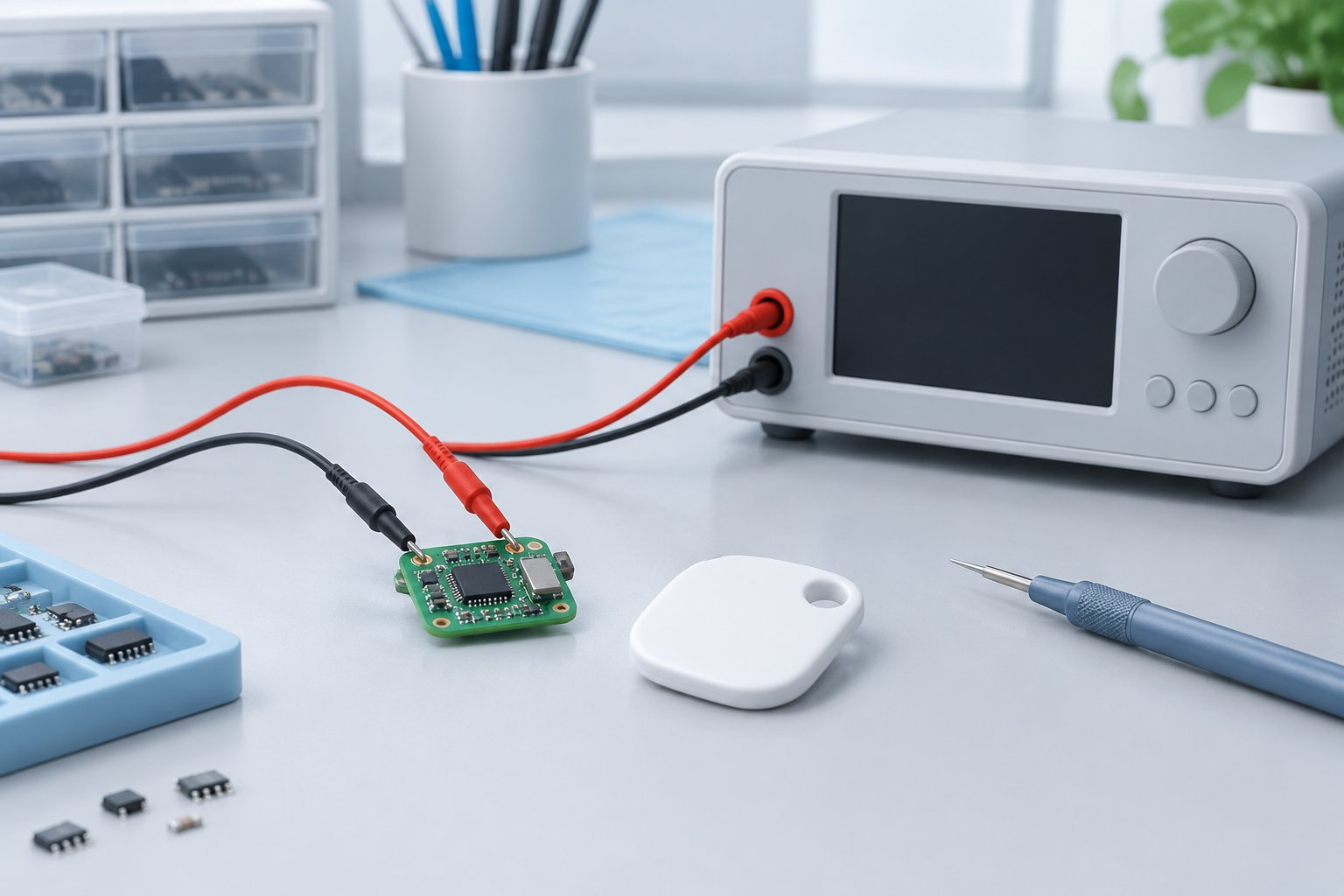
ENGLISH ARTICLE
Bluetooth Tracker Power Profiling: Connect Current Traces to Firmware States
An average current value alone cannot explain why a Bluetooth tracker consumes energy. Pair current traces with firmware states, document the measurement setup and validate the complete product before making battery-life claims.
1. Measure the sequence, not only the average
A tracker moves through different operating states: sleep, radio activity, processing, user interaction and, where implemented, sound playback. An average taken across one window combines these activities. It may be useful for comparison, but it does not identify which operation changed or whether the window represents normal use.
Nordic Semiconductor describes its Power Profiler Kit II as capable of measuring low sleep currents, higher active currents and short current peaks, with a sampling rate of 100 ksps. This is an instrument specification, not a tracker specification or a guarantee that every transient will be resolved. Select a measurement range, bandwidth and setup appropriate to the event being investigated. [1]
2. Tie electrical observations to firmware events
A current spike is an observation, not yet a diagnosis. Add a documented firmware marker around the activity being studied, and align that marker with the current trace. Nordic's profiler supports digital inputs for code-synchronized measurements through a DUT I/O pin; its documentation specifies a DUT supply of 1.6–5.5 V for that digital-input functionality. Check the applicable electrical limits before connecting any measurement equipment. [1]
For an internal tracker test, useful markers could identify the start and end of a radio task, a sound request or a storage operation. Record what each marker means and whether instrumentation changes timing or power. Where direct markers are unavailable, use another documented correlation method and label uncertainty rather than assigning every peak to an assumed cause.
3. Document what powers the device under test
The supply arrangement is part of the result. Nordic documents both an ammeter mode using an external supply and a source mode that supplies the device under test. These are different measurement arrangements. Record the mode, supply voltage, wiring, connected peripherals and any development-board circuitry included in the reading. Do not assume that a development-kit measurement is the same as a finished tracker measurement. [1]
Use repeatable conditions when comparing firmware versions, then validate the final board with its intended power source and representative use cases. Investigate startup, repeated interactions and recovery as separate cases where relevant. This is a suggested engineering workflow, not a claim that a particular battery, circuit or tracker has passed those tests.
4. Keep estimates, measurements and lifetime claims separate
Nordic provides an Online Power Profiler for calculating Bluetooth LE stack current consumption on supported nRF52, nRF53 and nRF54L devices. Such an estimate can help compare proposed configurations, but its scope is not automatically the complete tracker, its sound circuit, its battery or its actual usage pattern. Use estimation to guide investigation, then measure the implemented system. [2]
When reporting measured average current, state the observation duration and the events included. When discussing battery life, separately document the battery assumptions, operating conditions and validation evidence. Neither a short quiet trace nor a calculator output is, by itself, evidence for a guaranteed number of months in service. Avoid transferring a lab estimate into packaging copy without a justified, product-specific basis.
5. Hand over a reproducible power profile
For an OEM, ODM or embedded project, hand over more than a screenshot: include board revision, firmware version, supply setup, measurement settings, event definitions, raw traces and acceptance criteria. Keep unsuccessful trials and unexplained events visible. If a firmware change improves one scenario but worsens another, record both instead of selecting only the lowest average.
Stellarrisetech's public website describes ready-to-brand OEM trackers, ODM development and embedded tracking solutions, with battery, firmware and testing among its engineering topics. A project-specific power-profiling brief can connect those development discussions to evidence. This article does not assert that a particular Stellarrisetech model uses Nordic components or has achieved any measured power or battery-life result. [3]
Define the power evidence before committing to battery-life claims.
Share your target ecosystem, product format, intended power source, use cases and firmware responsibilities to discuss a measurable OEM, ODM or embedded tracker brief.
中文文章
蓝牙防丢器功耗测量:把电流波形与固件状态对应起来
单一平均电流数值无法解释蓝牙防丢器为何耗电。应将电流波形与固件状态对应,记录测量配置,并在提出续航声明前验证完整产品。
1. 测量完整过程,而不只看平均值
防丢器会经历不同运行状态:休眠、无线活动、处理运算、用户交互,以及在产品实现该功能时的声音播放。某个时间窗口内的平均值会把这些活动合并起来。它可以用于比较,却不能单独说明哪项操作发生了变化,也无法证明该窗口代表正常使用。
Nordic Semiconductor 介绍,其 Power Profiler Kit II 可以测量低休眠电流、较高的工作电流和短时电流峰值,采样率为 100 ksps。这是测量仪器的规格,不是防丢器的规格,也不保证能分辨所有瞬态。应根据所研究的事件选择合适的测量量程、带宽和配置。[1]
2. 将电气观察结果对应到固件事件
电流尖峰是一项观察结果,还不是故障诊断。可围绕待研究活动增加有说明的固件标记,再把标记与电流波形对齐。Nordic 的测量工具支持通过被测设备的 I/O 引脚接入数字输入,实现与代码同步的测量;官方文档规定,使用该数字输入功能时,被测设备供电应为 1.6–5.5 V。连接任何测量设备之前,都应核对适用的电气限制。[1]
在内部防丢器测试中,可用标记表示无线任务、声音请求或存储操作的起止。应记录每个标记的含义,以及测量辅助代码是否改变时序或功耗。如果无法使用直接标记,应采用其他有记录的关联方法,并标注不确定性,而不是凭推测给每个峰值指定原因。
3. 记录被测设备由什么供电
供电方式也是结果的一部分。Nordic 文档同时介绍了使用外部电源的电流表模式,以及给被测设备供电的电源模式。这是不同的测量配置。应记录模式、供电电压、接线、连接的外设,以及读数是否包含开发板上的其他电路。不能把开发套件的测量结果直接视为成品防丢器的结果。[1]
比较固件版本时,应保持条件可重复;随后,再用最终电路板、预定电源和有代表性的使用场景进行验证。在适用情况下,应将启动、重复交互和异常恢复作为独立测试场景。这是建议的工程流程,并不表示某种电池、电路或防丢器已经通过这些测试。
4. 区分估算、测量和续航声明
Nordic 提供 Online Power Profiler,用于计算受支持 nRF52、nRF53 和 nRF54L 器件运行 Bluetooth LE 协议栈时的电流消耗。这类估算可以帮助比较拟议配置,但其范围不会自动覆盖完整防丢器、发声电路、电池和实际使用模式。应让估算指导排查,再对实现后的系统进行测量。[2]
报告实测平均电流时,应说明观察时长及包含的事件。讨论续航时,则应单独记录电池假设、运行条件和验证证据。无论是一段安静状态下的短时波形,还是计算工具的输出,都不能单独证明产品可以保证使用多少个月。没有合理、针对具体产品的依据,就不应把实验室估算直接写入包装宣传。
5. 交付可以复现的功耗记录
对于 OEM、ODM 或嵌入式项目,交付物不应只有一张截图,还应包含电路板版本、固件版本、供电配置、测量设置、事件定义、原始波形和验收标准。应保留失败试验和尚未解释的事件。如果一次固件修改改善了某个场景,却使另一个场景变差,应同时记录,而不是只选平均值最低的结果。
Stellarrisetech 官网介绍了可定牌 OEM 防丢器、ODM 开发和嵌入式追踪方案,并将电池、固件及测试列为工程相关内容。针对项目制定功耗测量需求,可以让开发讨论与验证证据衔接。本文不表示某款 Stellarrisetech 产品采用了 Nordic 器件,也不宣称其已达到任何实测功耗或续航结果。[3]
Public sources / 公开资料
- Nordic Semiconductor — Power Profiler Kit II
- Nordic Semiconductor — Online Power Profiler
- Stellarrisetech — OEM, ODM and embedded tracker services
Public documentation checked on 19 October 2026. Independently written guidance; internal test suggestions are not platform certification requirements. No model-specific performance or certification is claimed.
公开资料核对日期:2026 年 10 月 19 日。本文独立撰写;内部测试建议并非平台认证要求,未宣称任何具体型号的性能或认证状态。