
Bluetooth Tracker vs GPS Tracker: Why Find My and Find Hub Fit New Consumer Products Better
Bluetooth tracker vs GPS tracker: learn how Apple Find My and Google Find Hub compare with GPS and why Bluetooth fits new consumer products better.

Bluetooth tracker vs GPS tracker: learn how Apple Find My and Google Find Hub compare with GPS and why Bluetooth fits new consumer products better.

While UWB in Bluetooth trackers offers precision finding, many third-party brands skip it. Discover why BLE remains the top choice for cost and compatibility.
UWB in Bluetooth Trackers: Why Many Third-Party Item Finders Skip It Read More »
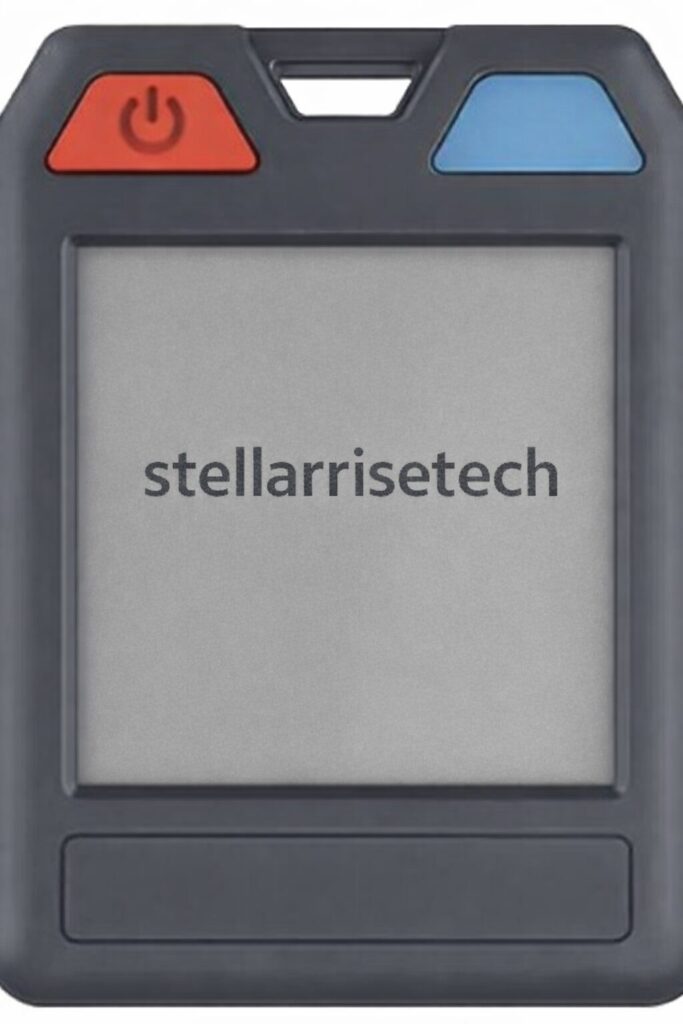
How to put the device into pairing mode: Press the button. You will hear a melody. How to disable the device’s Finder function: Press and hold the button for five seconds. You will hear three confirmation beeps. How to stop the device from ringing: Press the button once. You will hear one beep for confirmation.
Stellarrisetech E-Ink StarTag Products Read More »
How to put the device into pairing mode: Turn the front cover of StarTag X1 open, Press the button on the corner of the StarTag X1 once. You will hear a confirmation melody when succeed. Finally, close the cover to secure it. How to disable the device’s Finder function: Turn the front cover of StarTag
Stellarrisetech StarTag X1 Overview Read More »
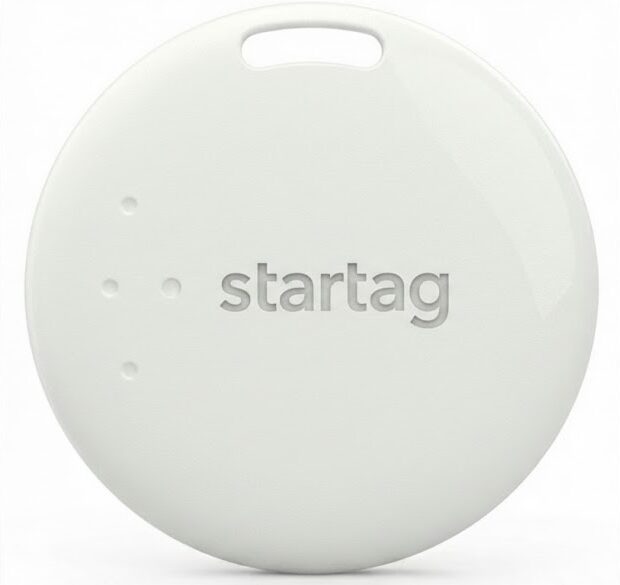
Meet startag x3. Designed for peace of mind, startag seamlessly integrates with the Android ecosystem you already use. Its minimalist design fits anywhere—from keychains to backpacks—while the user-replaceable battery lasts up to a year. Just pair it with your device and never lose what matters most. Specs: Battery: CR2032 (Replaceable). Water Resistance: IP67 Splash Proof.
Stellarrisetech StarTag X3 Overview Read More »
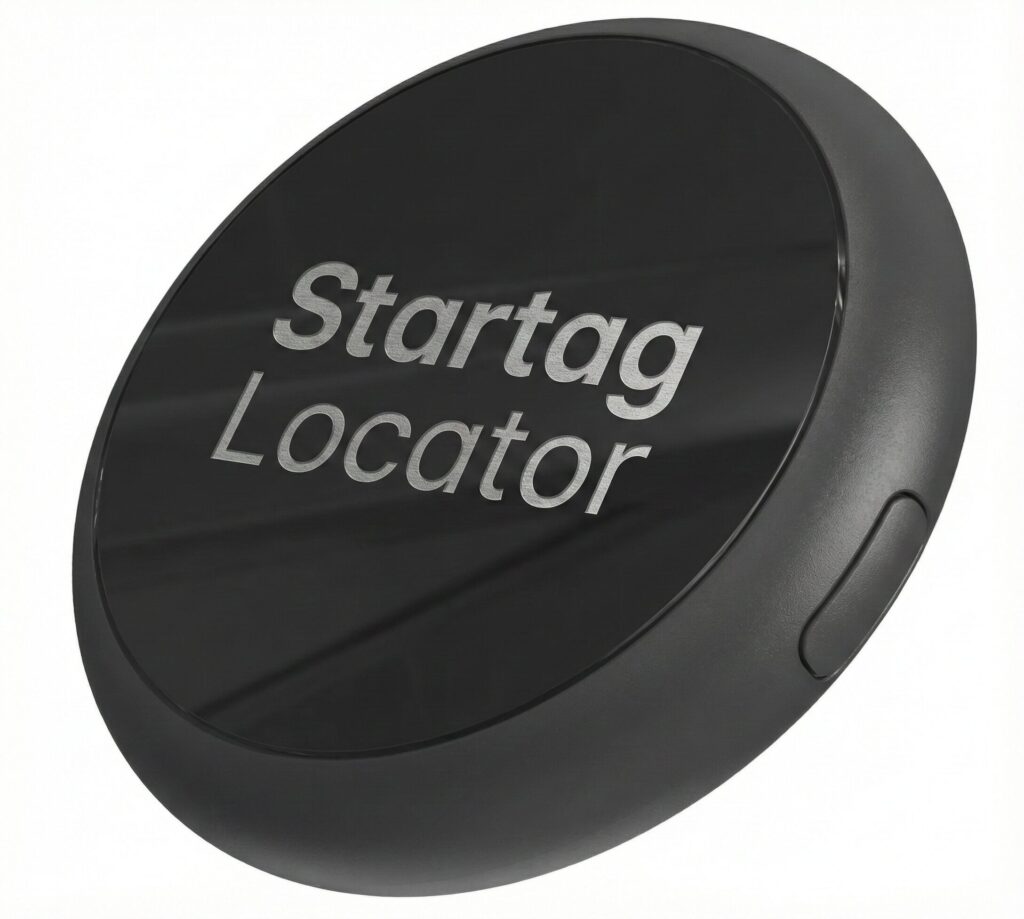
Startag Locator: Your Essentials, Always Found The Startag Locator is a robust Bluetooth tracker engineered seamlessly for the Android ecosystem. Crafted from high-durability injection-molded plastic in a sleek matte black finish, it combines industrial strength with everyday utility. Key Highlights: Works with Google Find My Device: Leverage a network of over a billion Android devices
Startag Locator Guide Read More »
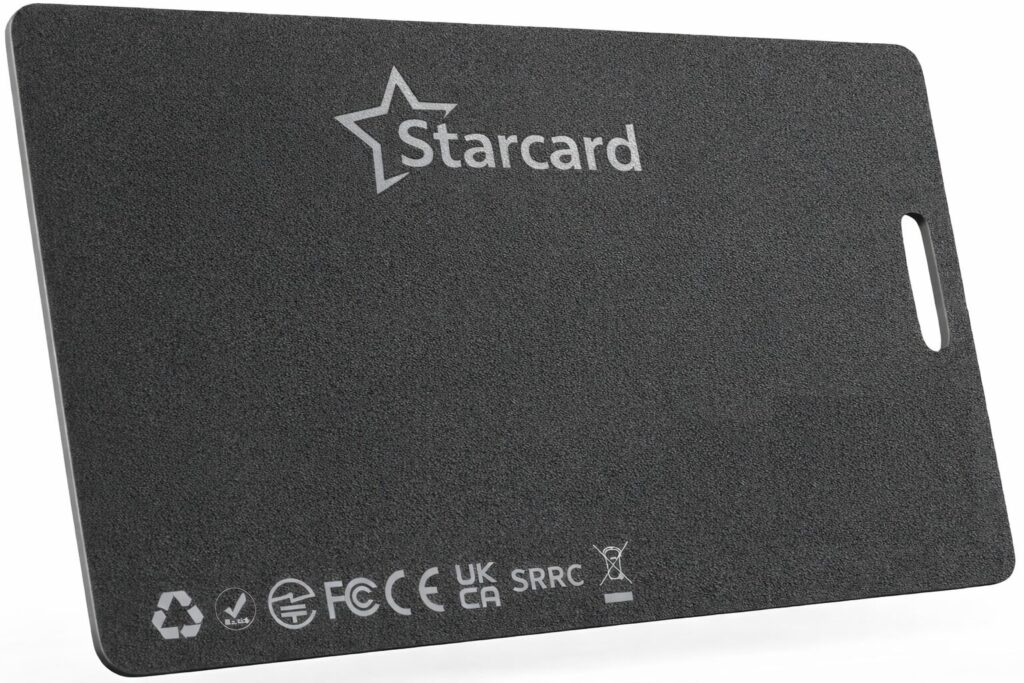
How to put the device into pairing mode: Locate the button on the card. Press the button once. A confirmation melody will sound. How to disable the device’s Finder function: Locate the button on the card. Press and hold the button for five seconds. Three confirmation beeps will sound. How to re-enable the Finder function:
Stellarrisetech StarCard Tracker Read More »
How to put the device into pairing mode: Locate the button on the card. Press the button once. A confirmation melody will sound. How to disable the device’s Finder function: Locate the button on the card. Press and hold the button for five seconds. Three confirmation beeps will sound. How to re-enable the Finder function:
How to Put StarCard into Pairing Mode Read More »
How to disable a Stellarrisetech “Starcard” Device Disabling the “Starcard” The “Starcard” can be disabled to stop it from sharing its location. Once disabled, it will no longer report to Google’s Find My Device network or Apple’s Find My network, and the owner will no longer receive updates on its current location. It will also
Stellarrisetech StarCard Product Series Read More »
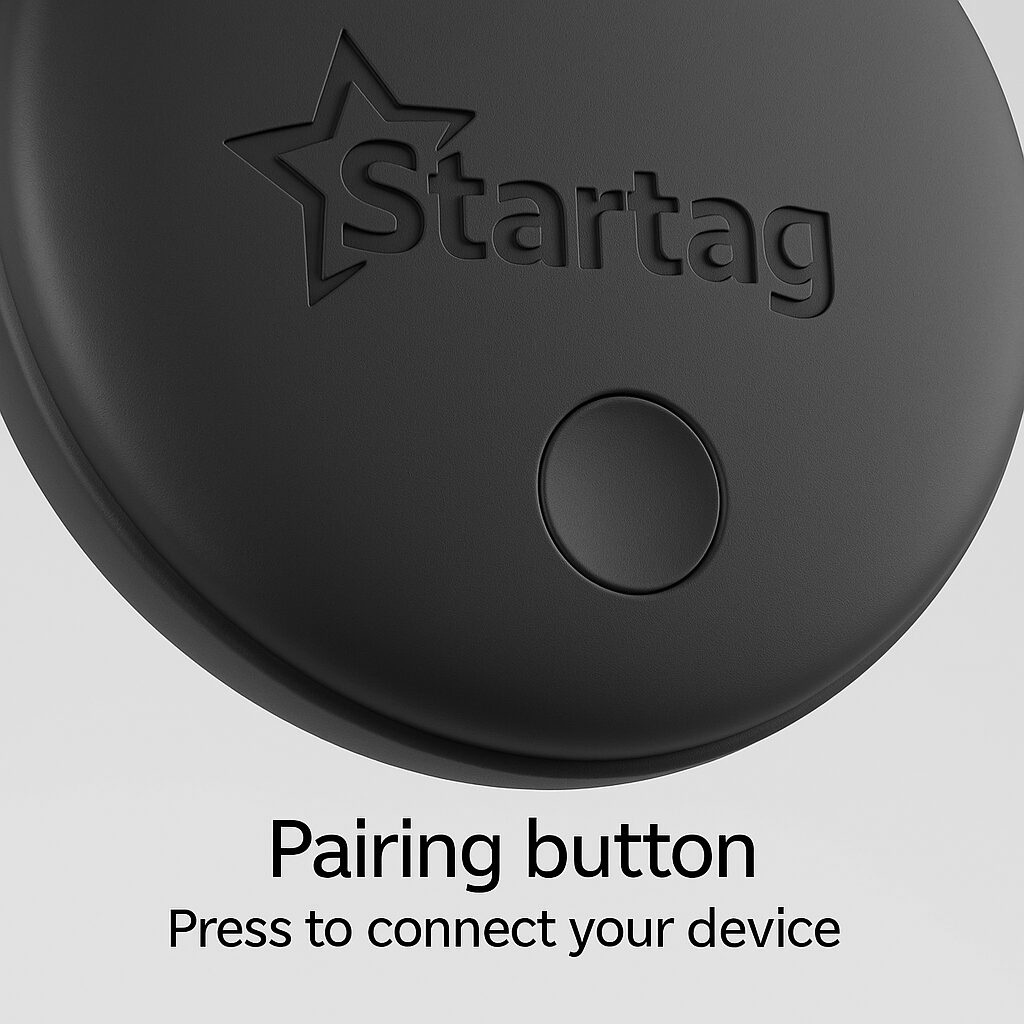
How to disable a Stellarrisetech “Startag” Device Disabling the “Startag” The “Startag” can be disabled to stop it from sharing its location. Once disabled, it will no longer report to Google’s Find My Device network or Apple’s Find My network, and the owner will no longer receive updates on its current location. It will
Stellarrisetech Startag Product Guide Read More »