
STELLARRISETECH / INDUSTRY NEWS
蓝牙防丢器电量显示:百分比不等于剩余使用时间
ENGLISH ARTICLE
Bluetooth Tracker Battery Reporting: A Percentage Is Not Remaining Runtime
Separate battery level, low-battery alerts and runtime estimates when planning a Bluetooth tracker. Define what the accessory reports, what the supported app displays and what has actually been validated before making a battery-life claim.
1. Define the meaning before designing the battery icon
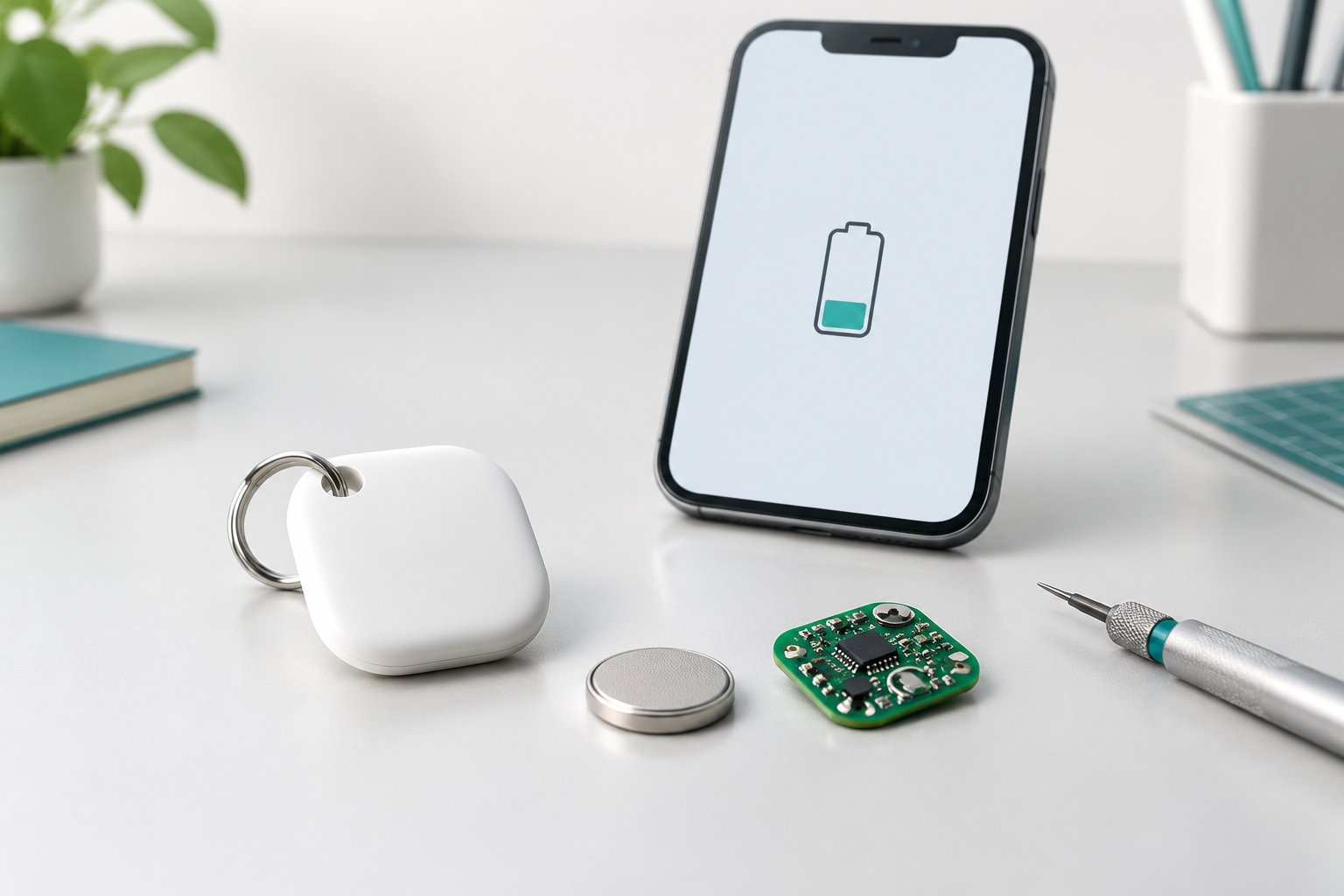
A battery icon looks simple, but a product brief can hide several different promises behind it. Battery level describes a reported state; a low-battery alert asks the user to take action; remaining runtime predicts how long the product can continue operating. Treat these as separate requirements rather than interchangeable labels.
For an OEM tracker, begin by listing which information the device can produce and which information the intended phone app actually presents. A value visible in an engineering tool is not proof that a supported consumer app will show the same number. Likewise, a successful Bluetooth read does not establish an end-to-end low-battery notification experience.
2. Bluetooth separates battery level from time estimates
The Bluetooth Battery Service v1.1 defines Battery Level as a percentage from 0 to 100: 0 percent represents a fully discharged battery, and 100 percent a fully charged battery. Its separate Battery Time Status characteristic describes estimates for charging and discharging times; Time until Discharged is expressed in minutes. The distinction matters: a percentage field is not itself a countdown clock. [1]
There is an important implementation boundary. Battery Level is mandatory within an implemented Battery Service, but this does not mean every Bluetooth accessory exposes that service. Battery Time Status is optional only when Battery Level Status is exposed; otherwise it is excluded. Do not promise a remaining-time display merely because a product uses Bluetooth LE, and do not assume a Find My or Find Hub accessory exposes every optional Battery Service feature. [1]
The specification also distinguishes a read from notification behavior. For Battery Level, Read is mandatory and Notify is optional within the service. The OEM brief should therefore document the actual reporting path and supported client behavior, rather than assume that every change will immediately refresh a phone display. [1]
3. Keep platform instructions specific to the actual accessory
Apple's support instructions for its own AirTag say that an iPhone notification appears when the battery is low, and that Low Battery appears under the item's name in Find My when the charge is low. This is a documented low-battery experience for that product, not evidence of a universal percentage display or a guaranteed number of days remaining. [2]
Do not copy that product's battery type, replacement procedure or user-interface behavior into a third-party tracker manual without verification. For the actual model and supported ecosystem, confirm the displayed status, the alert wording, how the user replaces or charges the battery where applicable, and how the updated state becomes visible afterward. Apple and Google workflows should be checked separately.
4. Validate the reporting chain, not just a single reading
The following is a proposed internal engineering plan, not a platform certification checklist. Record the model, firmware, battery specification and condition, phone and operating-system versions, app version where available, and the supported reporting mechanism. For each trial, keep the device-side observation separate from the app-side display and notification result.
Use a controlled, product-appropriate method to exercise normal, low and restored-power conditions. Compare what the device reports with what the user can observe after a supported reconnect or refresh. Record elapsed observation time, repeated alerts, missing alerts and any stale display. Do not claim a universal notification deadline or threshold unless it is documented for the implementation and supported by the test evidence.
If the project also needs a runtime estimate, document its operating assumptions and validate the estimate against representative use. A percentage cannot, by itself, establish the hours left under a different workload. Keep reporting accuracy, low-battery usability and total battery-life testing as related but distinct acceptance items.
For replaceable coin-cell designs, use qualified handling procedures and keep both new and used batteries out of reach of children. Apple warns that swallowed coin batteries can cause serious injury and calls for immediate medical attention when ingestion is suspected. Follow the actual product's safety instructions; never improvise a charging test on a non-rechargeable cell. [2]
5. Put the evidence into the OEM handoff
Stellarrisetech's public website presents ready-to-brand OEM trackers, custom ODM development and embedded tracking solutions, and identifies battery and user-experience work within its engineering scope. These service descriptions provide a starting point for a project discussion; they do not establish a specific model's reporting accuracy, battery life or certification status. [3]
A practical handoff should identify the reported fields, supported app presentation, low-battery action, restoration check and evidence needed for acceptance. Align packaging, support replies and factory checks with those verified behaviors. If only a low-battery warning has been validated, say that clearly instead of promising a precise percentage or an untested remaining-life prediction.
Specify the battery experience before promising the runtime.
Share your target ecosystem, product format, battery approach, required battery-status experience, expected quantity and customization scope to discuss an OEM, ODM or embedded tracker project.
中文文章
蓝牙防丢器电量显示:百分比不等于剩余使用时间
规划蓝牙防丢器时,应区分电量水平、低电量提醒与剩余使用时间估计。在作出续航承诺前,先定义配件上报什么、受支持的应用显示什么,以及哪些行为已经经过验证。
1. 先定义含义,再设计电量图标
电量图标看起来很简单,但产品需求可能在其中隐含了几种不同承诺。电量水平描述一个上报的状态;低电量提醒要求用户采取行动;剩余使用时间则预测产品还能运行多久。应将它们作为独立需求,而不是可以互换的标签。
对于 OEM 防丢器,首先应列明设备能够产生哪些信息,以及目标手机应用实际呈现哪些信息。工程工具中能够看到的数值,并不能证明受支持的消费端应用会显示同样的数字。同样,成功读取一次蓝牙数据,也不能证明完整的低电量通知体验已经成立。
2. 蓝牙规范区分电量水平与时间估计
蓝牙 Battery Service v1.1 将 Battery Level 定义为 0 至 100 的百分比:0% 表示电池完全放电,100% 表示电池完全充电。与之独立的 Battery Time Status 特征描述充电与放电时间的估计值,其中 Time until Discharged 以分钟为单位。这一区分很重要:百分比字段本身并不是倒计时。[1]
这里存在重要的实现边界。对于已经实现的 Battery Service,Battery Level 是必需特征,但这不意味着每个蓝牙配件都会提供该服务。只有提供 Battery Level Status 时,Battery Time Status 才可以选择提供;否则不得提供。不能仅因为产品采用 Bluetooth LE 就承诺剩余时间显示,也不能假定 Find My 或 Find Hub 配件提供全部可选电池服务功能。[1]
规范还区分了读取与通知行为。在该服务内,Battery Level 的 Read 属性为必需,Notify 属性为可选。因此,OEM 需求应记录实际的数据上报路径与受支持的客户端行为,而不是假定每次变化都会立即刷新手机显示。[1]
3. 平台指引必须对应具体配件
Apple 针对自有 AirTag 的支持说明指出,电量不足时 iPhone 会出现通知;电量低时,Find My 中物品名称下方也会显示“电池电量低”(Low Battery)。这是针对该产品记录在案的低电量体验,并不能证明存在通用的百分比显示,更不能保证还可使用固定天数。[2]
未经验证,不应把该产品的电池类型、更换步骤或界面行为直接复制到第三方防丢器说明书。应针对实际型号与受支持的生态,确认所显示的状态、提醒措辞、适用的电池更换或充电操作,以及更新后的状态如何在界面中呈现。Apple 与 Google 的流程应分别核查。
4. 验证整条上报链路,而不只是一次读数
以下为建议的内部工程计划,并非平台认证清单。记录型号、固件、电池规格与状态、手机与操作系统版本、可获取的应用版本,以及受支持的上报机制。每次试验都应将设备侧观察结果,与应用侧显示和通知结果分开记录。
采用受控且适合该产品的方法,覆盖正常、低电量与供电恢复状态。在受支持的重新连接或刷新后,对比设备上报内容与用户能够观察到的信息。记录观察耗时、重复提醒、缺失提醒,以及仍显示旧状态的情况。除非具体实现已有明确规定并有测试证据支持,否则不要宣称通用的通知时限或阈值。
如果项目还需要剩余使用时间估计,应记录其工作条件假设,并结合有代表性的使用方式验证估计结果。仅凭一个百分比,无法确定不同工作负载下还可使用多少小时。上报准确性、低电量可用性与总续航测试,应作为相互关联但独立的验收项目。
对于采用可更换纽扣电池的设计,应执行合格的操作规程,并将新旧电池都放在儿童接触不到的地方。Apple 警告,误吞纽扣电池可能造成严重伤害;怀疑误吞时应立即就医。遵循实际产品的安全说明,切勿临时对不可充电电池进行充电试验。[2]
5. 将验证证据纳入 OEM 交接
Stellarrisetech 官网介绍了可定牌的 OEM 防丢器、ODM 定制开发及嵌入式追踪方案,并在工程范围中列出电池与用户体验相关工作。这些服务说明为项目讨论提供了起点,但不能据此确认某一型号的电量上报精度、续航或认证状态。[3]
实用的交接资料应明确上报字段、受支持的应用呈现方式、低电量后的用户操作、恢复检查,以及验收所需证据。包装、客服答复与工厂检查,应与已经验证的行为保持一致。如果仅验证了低电量警告,就应明确说明,而不是承诺精确百分比或未经测试的剩余寿命预测。
Public sources / 公开资料
- Bluetooth — Battery Service v1.1, sections 3, 3.1 and 3.6
- Apple — How to replace the battery in your AirTag
- Stellarrisetech — OEM, ODM and embedded tracking services
Public documentation checked on 14 October 2026. Independently written guidance; internal test suggestions are not platform certification requirements. No model-specific performance or certification is claimed.
公开资料核对日期:2026 年 10 月 14 日。本文独立撰写;内部测试建议并非平台认证要求,未宣称任何具体型号的性能或认证状态。