
Startag Clear Square & Clear Dot Product Guide
StarTag Clear Square & StarTag Clear Dot
Startag Clear Square & Clear Dot Product Guide Read More »
This archive collects product articles, launch updates, and manufacturing insight tied to the Stellarrisetech tracker lineup.
Use it to move from market education into the right product platform, service path, or inquiry conversation.
See Stellarrisetech product articles, launch updates, and tracker design insight covering tags, cards, travel gear, and embedded solutions.
StarTag Clear Square & StarTag Clear Dot
Startag Clear Square & Clear Dot Product Guide Read More »
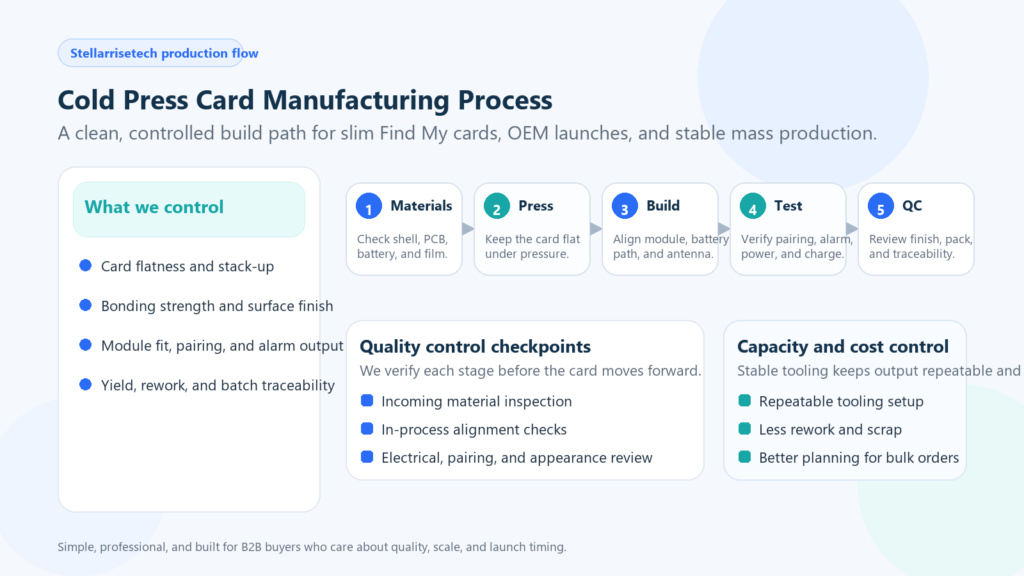
See how Stellarrisetech builds a cold press card with controlled lamination, full testing, and scalable production that supports OEM and ODM launches.
Cold Press Card Manufacturing Process | How Stellarrisetech Builds a Find My Card Read More »
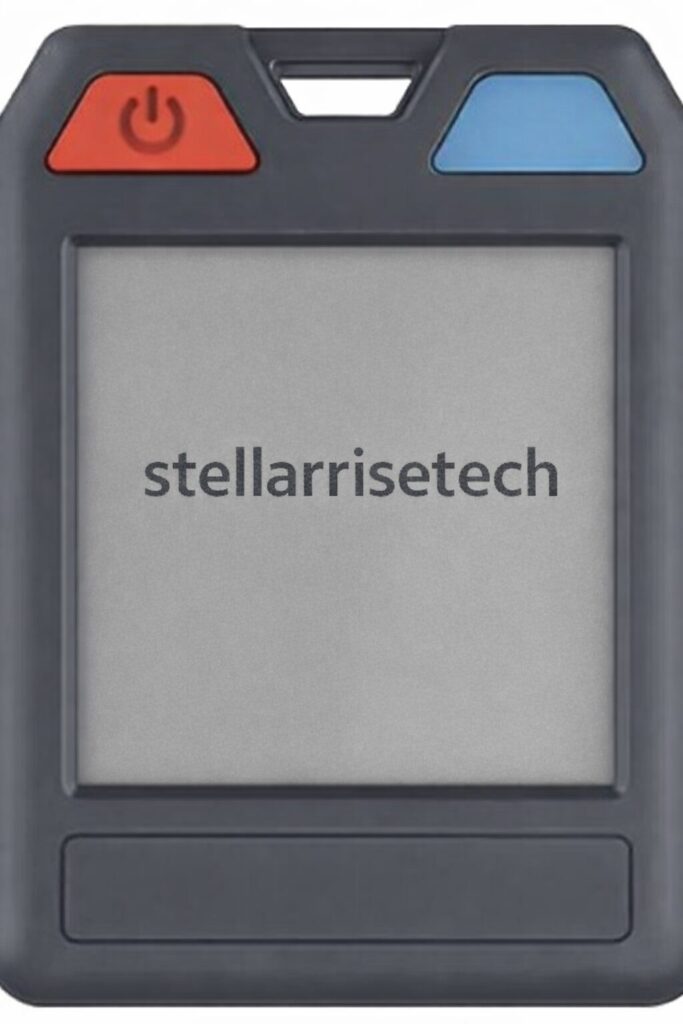
How to put the device into pairing mode: Press the button. You will hear a melody. How to disable the device’s Finder function: Press and hold the button for five seconds. You will hear three confirmation beeps. How to stop the device from ringing: Press the button once. You will hear one beep for confirmation.
Stellarrisetech E-Ink StarTag Products Read More »
How to put the device into pairing mode: Turn the front cover of StarTag X1 open, Press the button on the corner of the StarTag X1 once. You will hear a confirmation melody when succeed. Finally, close the cover to secure it. How to disable the device’s Finder function: Turn the front cover of StarTag
Stellarrisetech StarTag X1 Overview Read More »
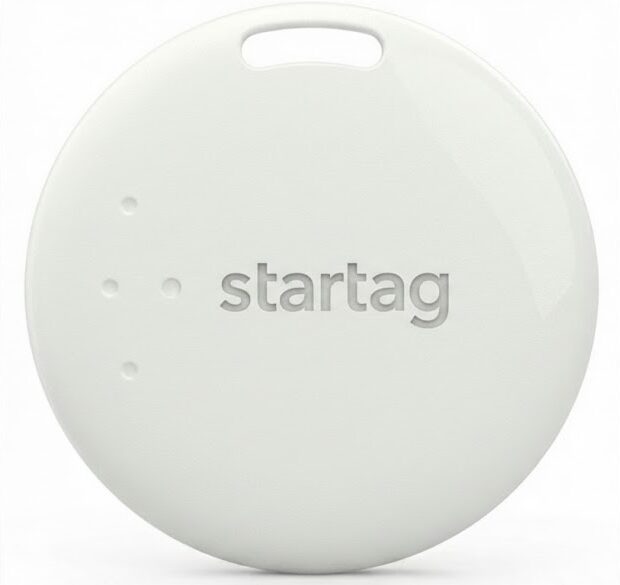
Meet startag x3. Designed for peace of mind, startag seamlessly integrates with the Android ecosystem you already use. Its minimalist design fits anywhere—from keychains to backpacks—while the user-replaceable battery lasts up to a year. Just pair it with your device and never lose what matters most. Specs: Battery: CR2032 (Replaceable). Water Resistance: IP67 Splash Proof.
Stellarrisetech StarTag X3 Overview Read More »
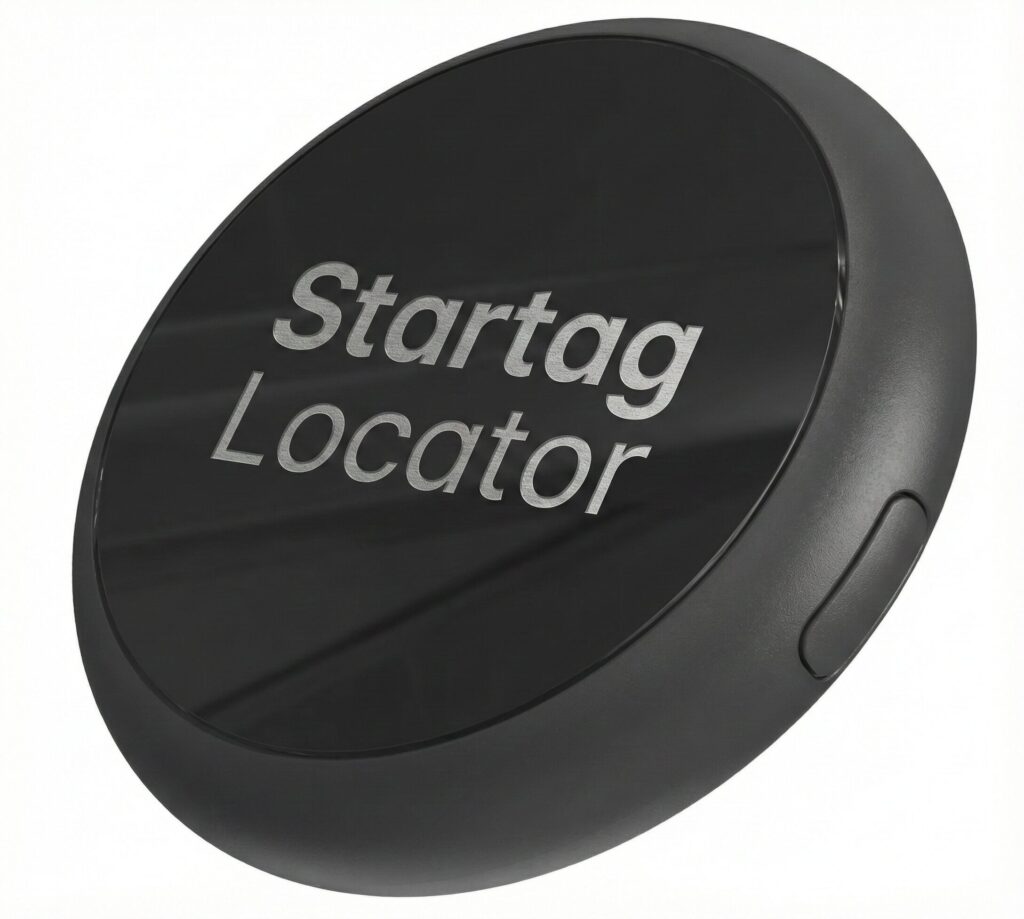
Startag Locator: Your Essentials, Always Found The Startag Locator is a robust Bluetooth tracker engineered seamlessly for the Android ecosystem. Crafted from high-durability injection-molded plastic in a sleek matte black finish, it combines industrial strength with everyday utility. Key Highlights: Works with Google Find My Device: Leverage a network of over a billion Android devices
Startag Locator Guide Read More »
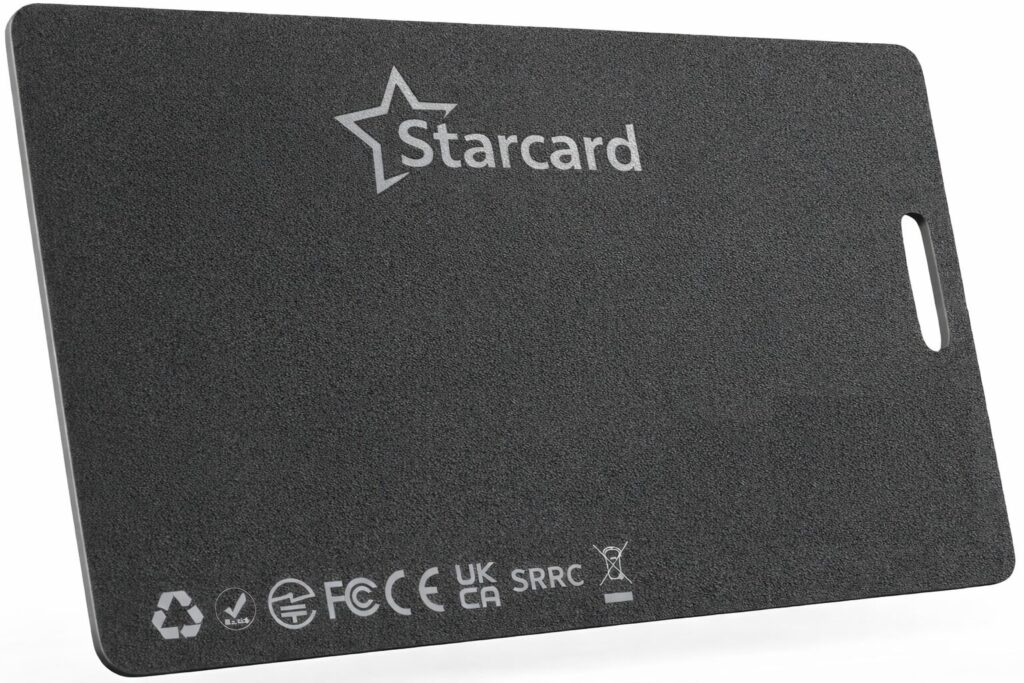
How to put the device into pairing mode: Locate the button on the card. Press the button once. A confirmation melody will sound. How to disable the device’s Finder function: Locate the button on the card. Press and hold the button for five seconds. Three confirmation beeps will sound. How to re-enable the Finder function:
Stellarrisetech StarCard Tracker Read More »
How to put the device into pairing mode: Locate the button on the card. Press the button once. A confirmation melody will sound. How to disable the device’s Finder function: Locate the button on the card. Press and hold the button for five seconds. Three confirmation beeps will sound. How to re-enable the Finder function:
How to Put StarCard into Pairing Mode Read More »
How to disable a Stellarrisetech “Starcard” Device Disabling the “Starcard” The “Starcard” can be disabled to stop it from sharing its location. Once disabled, it will no longer report to Google’s Find My Device network or Apple’s Find My network, and the owner will no longer receive updates on its current location. It will also
Stellarrisetech StarCard Product Series Read More »
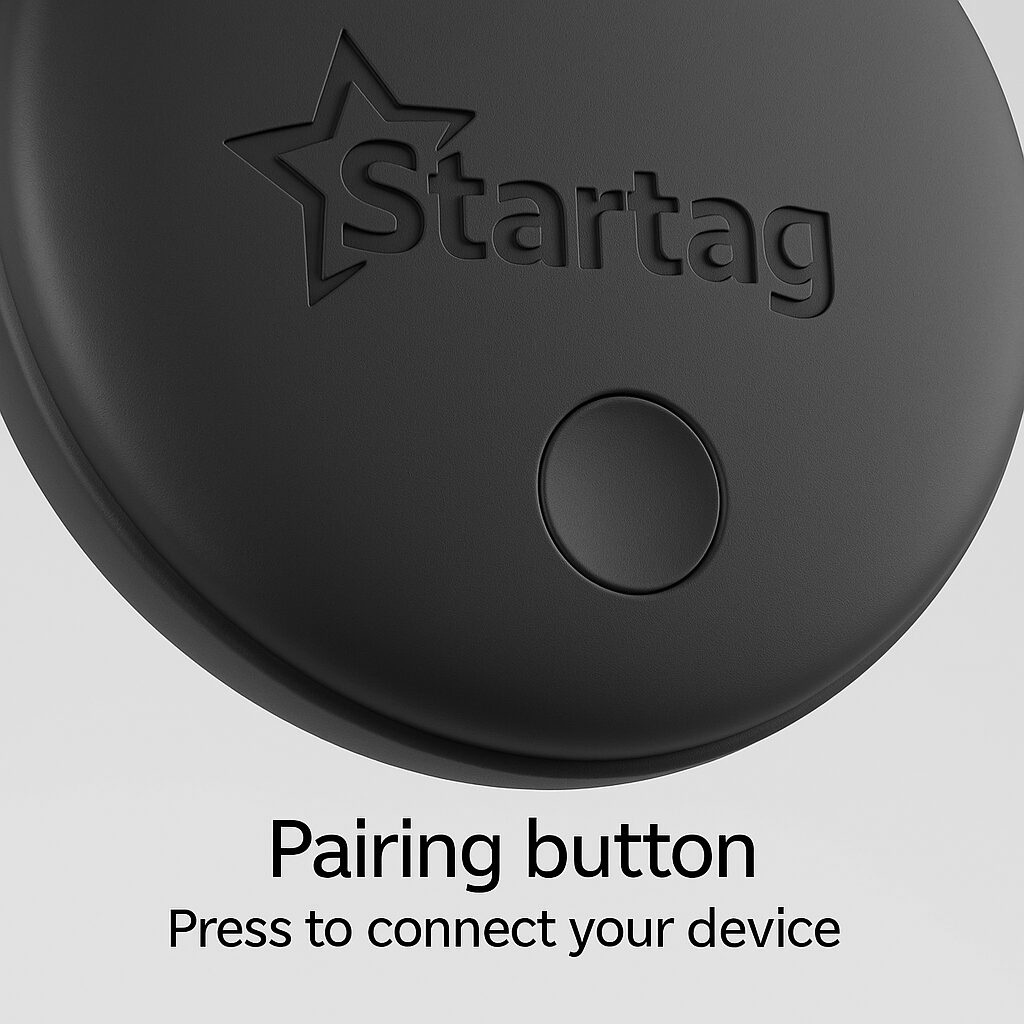
How to disable a Stellarrisetech “Startag” Device Disabling the “Startag” The “Startag” can be disabled to stop it from sharing its location. Once disabled, it will no longer report to Google’s Find My Device network or Apple’s Find My network, and the owner will no longer receive updates on its current location. It will
Stellarrisetech Startag Product Guide Read More »